
Block distracting apps at night
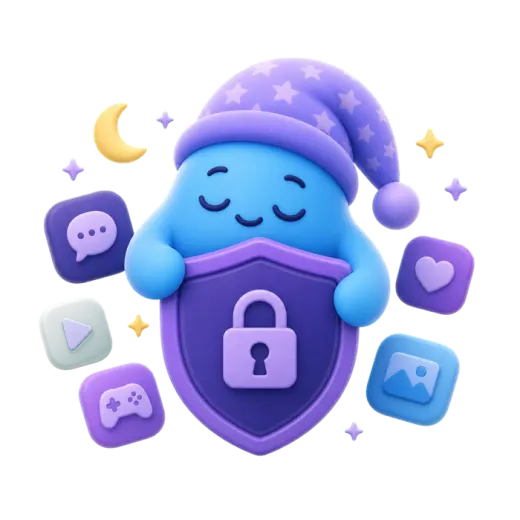
Social, video, games, news, or browsers: the apps you pick are shielded from bedtime until your wake time. No one-tap "ignore limit" button.
iPhone bedtime app blocker
Sleep Lock blocks the apps you choose during your sleep window, so the late-night tap becomes a calm stop sign instead of another hour awake. Calls, texts, and alarms keep working.
Sleep Lock is an iPhone app that blocks the apps, app categories, and websites you choose during a nightly sleep window. It uses Apple's Screen Time framework, so a blocked app shows a full-screen shield until your wake time. Phone calls, text messages, alarms, and emergency features keep working. Sleep Lock needs no account and has no ads or analytics. It costs $3.99 per week, $9.99 per month, or $79.99 per year, with a 3-day free trial.
Built on Apple's Screen Time, AlarmKit, and HealthKit frameworks. No VPN tricks, no background hacks.
Social, video, games, news, or browsers: the apps you pick are shielded from bedtime until your wake time. No one-tap "ignore limit" button.
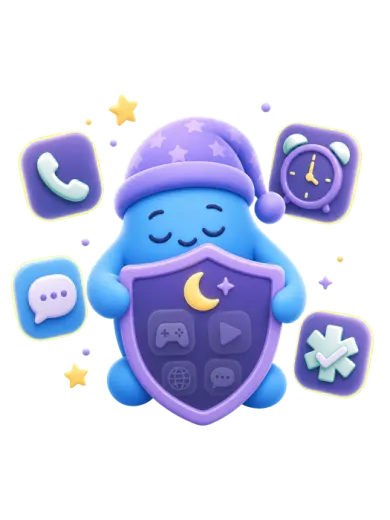
Phone calls, SMS, alarms, emergency features, and every app you did not pick work as normal.
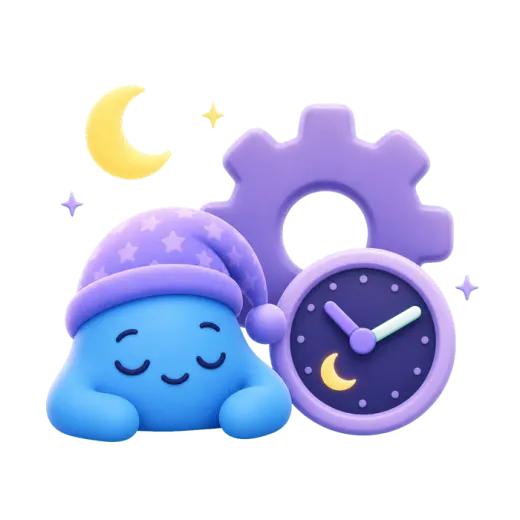
Set a wake-up alarm that rings like the Clock app, even in silent mode or Focus, using Apple's AlarmKit.
Connect Apple Health to see sleep duration, stages, and your lock streak. Health data is read on your device and never sent to us.
Choose apps, categories, or websites in Apple's Screen Time picker.
Choose when apps lock and unlock. Add a wake alarm if you want one.
Open a blocked app out of habit and a calm full-screen shield tells you it's time to sleep.
Start with a 3-day free trial. Cancel anytime in your Apple ID settings.
$3.99
per week
$79.99
per year
$9.99
per month
Prices in US dollars; the App Store shows your local price. The free trial is for eligible new subscribers. Subscriptions renew automatically unless canceled at least 24 hours before the end of the current period. Payment is charged to your Apple ID. By subscribing you agree to our Terms of Service and Privacy Policy.
You have two options. Built in: open Settings, then Screen Time, then Downtime, and set a schedule. With Sleep Lock: pick the apps in Apple's Screen Time picker, set your bedtime and wake time, and those apps are shielded every night automatically until morning.
No. Sleep Lock only blocks the apps, categories, and websites you select. Phone calls, SMS, alarms, and emergency features keep working during the lock.
Not by accident. The shield on a blocked app has no "ignore limit" button. To end a lock early you must open Sleep Lock, choose Stop now, and confirm. That clears tonight's lock and resets your streak, and the next night locks again on schedule. It is a self-control tool, not a parental control.
Both use Apple's Screen Time system. Downtime is free and built in, but a blocked app offers "Ignore Limit", and without a separate passcode one tap gives you more time. Sleep Lock is built for one job: a nightly lock list with no ignore button on the shield, plus wake alarms, a streak, and optional sleep insights.
Sleep Lock Pro costs $3.99 per week, $9.99 per month, or $79.99 per year (US prices). Eligible new subscribers get a 3-day free trial. You can cancel anytime in your Apple ID subscription settings.
No. The app has no account, no analytics, no ads, and no tracking. Apple gives Sleep Lock only private tokens for the apps you pick, and they stay on your device. Sleep data from Apple Health is read on your device and never sent to us. Only subscription status is checked, through Apple and RevenueCat.
An iPhone or iPad with iOS 26 or later, and permission for Sleep Lock to use Screen Time. Health and alarm access are optional.
No. Subscriptions are managed by Apple. Cancel in Settings, then your name, then Subscriptions.